Enter with a dream. Exit with the next big thing.
Build, iterate, and design faster with Miro — the visual workspace for innovation.
Don't start from scratch — dive right into Miro.
Process Mapping
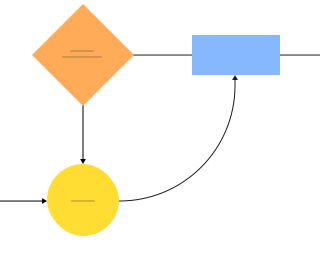
Retrospectives

Mind Mapping
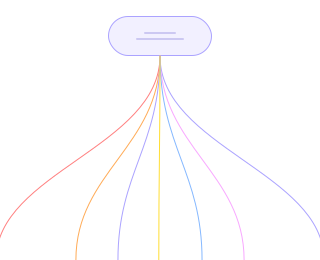
Scaled Product Planning
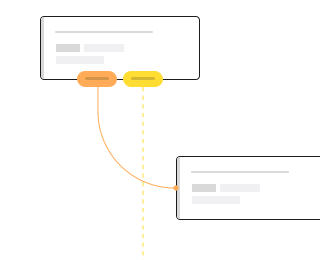
Whiteboarding

Technical Diagramming
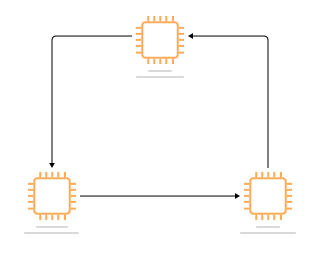
Customer Journey Mapping
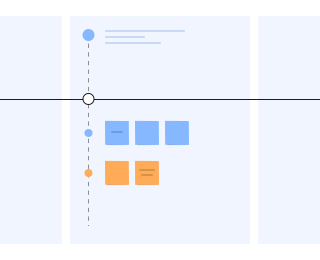
Wireframing

Strategy & Planning
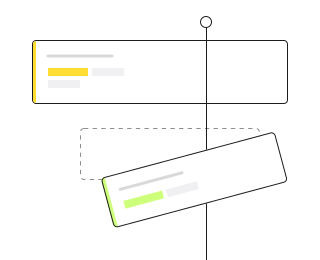
Process Mapping
Retrospectives
Mind Mapping
Scaled Product Planning
Whiteboarding
Technical Diagramming
Customer Journey Mapping
Wireframing
Strategy & Planning
Rated 4.8 out of 5,134+ G2 reviews



















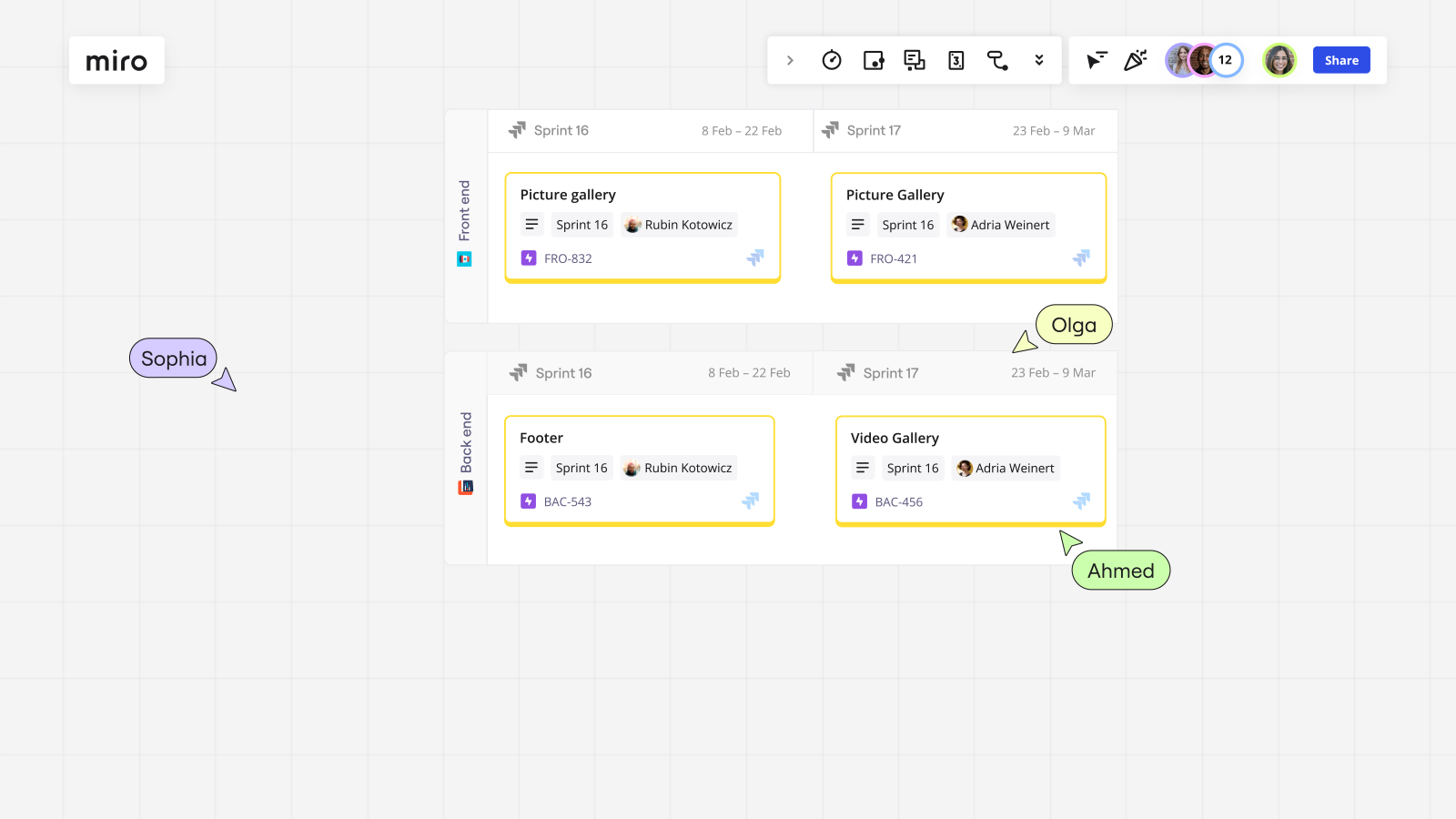
Create tomorrow together, today
Miro empowers 60M users to shape the future by providing a place where they can create together seamlessly, regardless of location.



Next big thing? No big deal. Three simple keys to the future.
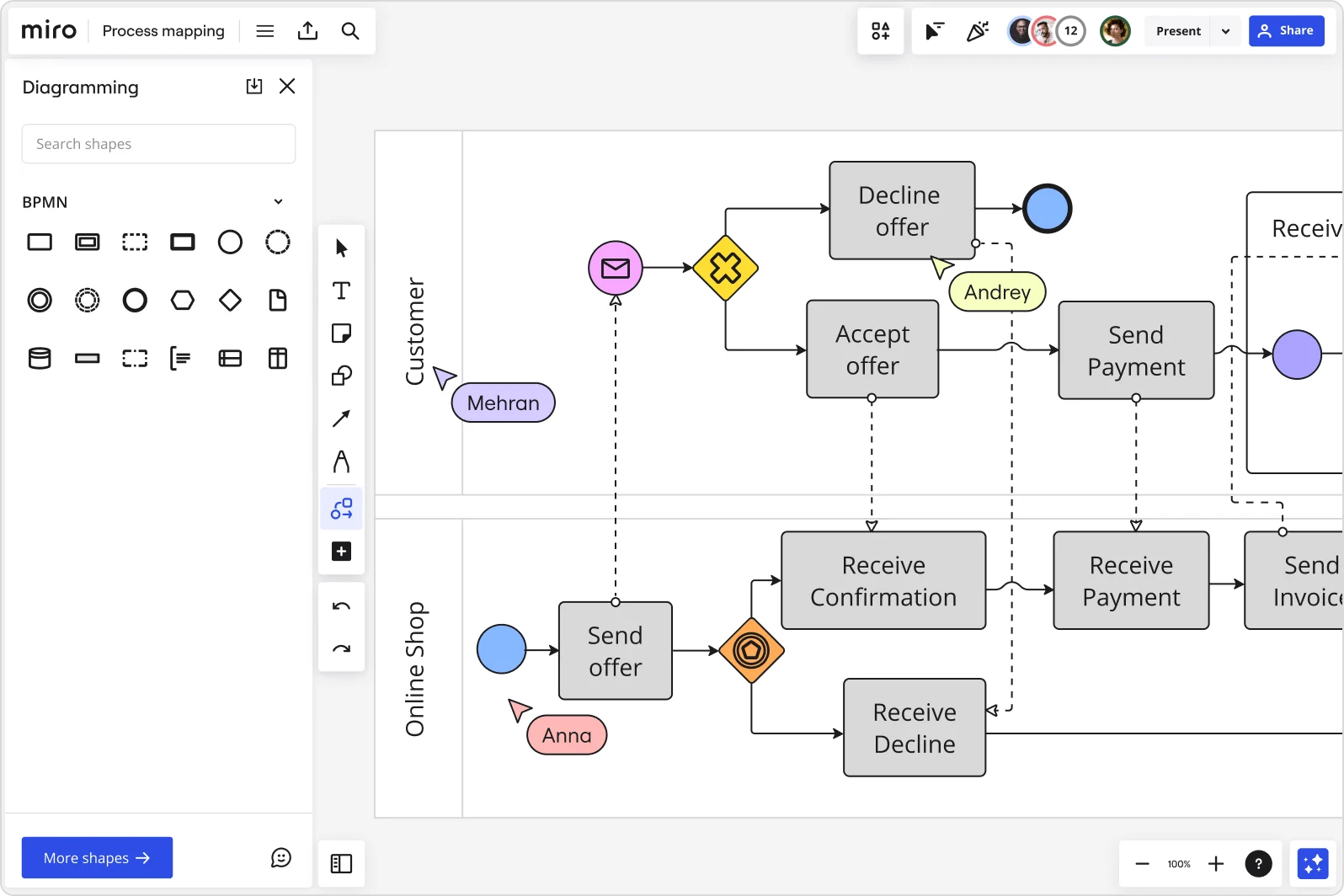
Strategize & plan
Ensure continuous alignment with customer needs and company strategy. Define goals and initiatives, visualize priorities and dependencies, and finally, watch your plans pay off. Everything is easier when you never run out of space.
Design customer-centric solutions
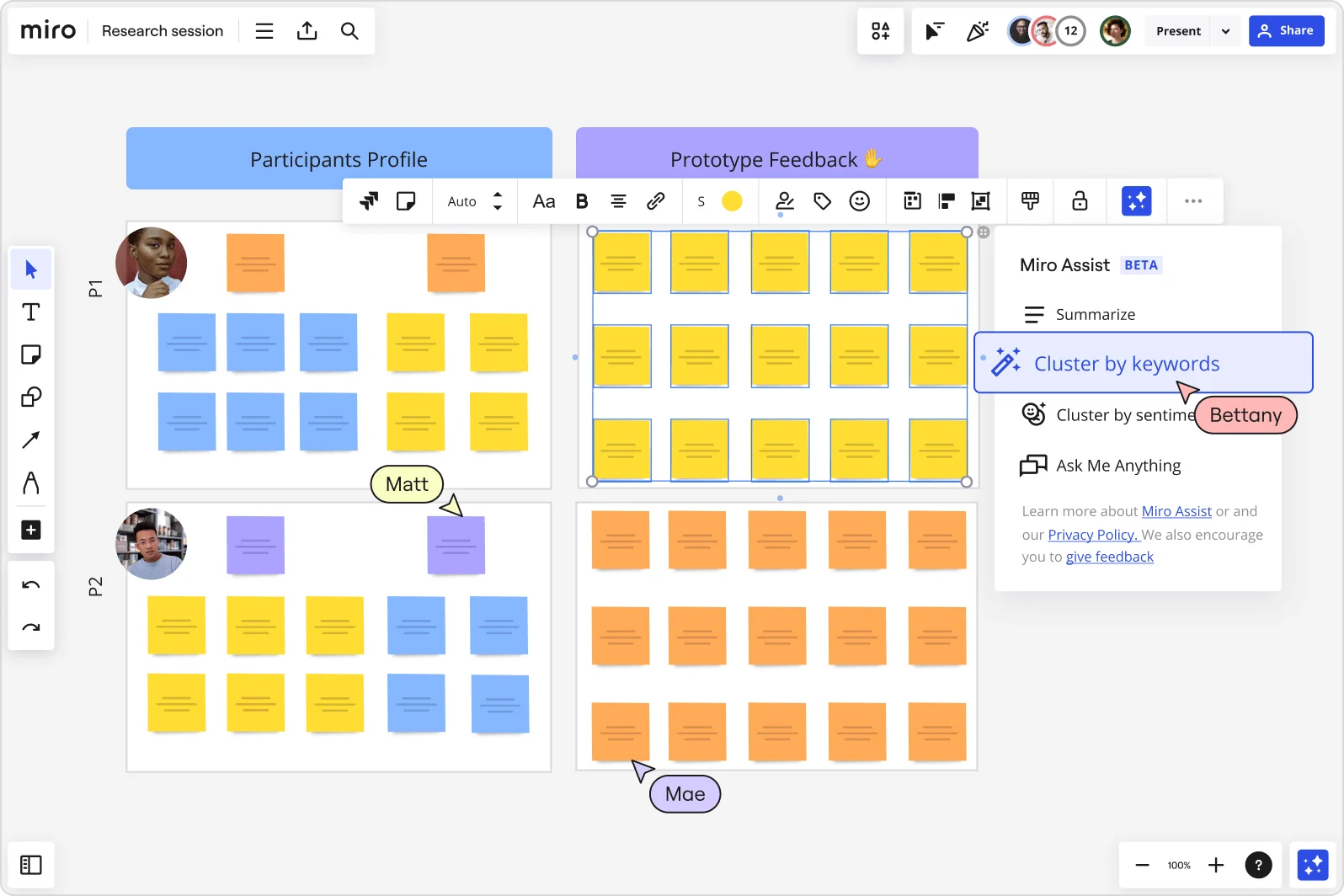
Foster a customer-centric mindset and build a mutual team space, where everyone can capture insights, structure them with diagrams and tables, and share it all in a central spot.
Develop your products & services
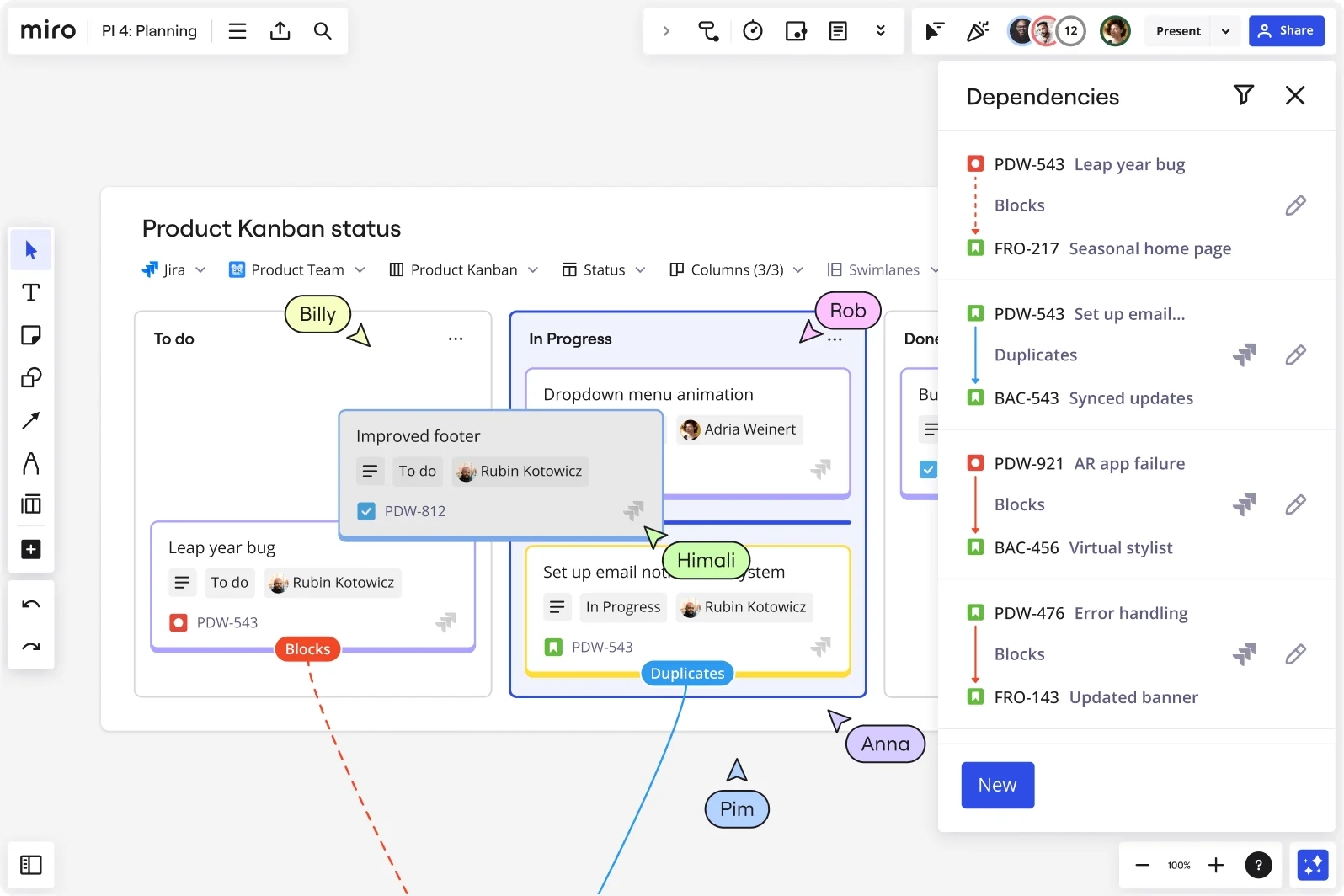
Accelerate time to market with a full suite of capabilities designed for innovation, including diagramming, real-time data visualization, and workshop facilitation. Miro also gives you built-in support for common product development processes, with agile practices like estimation and retrospectives.
Connect your entire company in a single, secure platform
With enterprise-grade security at its core, Miro helps organizations approach a Zero Trust Security philosophy. We offer advanced security integrations, robust data residency, governance solutions for sensitive data, and an accessibility program targeting Level AA Success Criteria of WCAG 2.1.

4 of 60 million reasons to try Miro
Trusted across the world, by companies large and small.


ISO
ISO-27001 enterprise-grade security

#1
Visual Collaboration Platform on G2

99%
of the Fortune 100 are Miro customers

60M+
users around the world use Miro

Helping the world’s most innovative companies collaborate better, daily
More than 180,000 organizations, including Nike, Ikea, Deloitte, WPP, and Cisco, have adopted Miro to help innovate the way they innovate, with the goal of improving the speed and quality of their work.
"With Miro, we went from project brief to in-market launch in 10 months. That usually takes 3 years at PepsiCo."
Caroline de Diego
Senior Manager, Global Design & Marketing Innovation at PepsiCo



“Bringing everyone together to plan in Miro means the most impactful initiatives will happen at the right time.”
Lucy Starling
Product Operations Lead at Asos



"The team onboarded in 10 minutes to use Miro for workshops. Getting our organization to adopt this product was a no-brainer.”
Konrad Grzegory
Agile Transformation Lead at CD PROJEKT RED


"Miro templates helped us go from scratch to a full-fledged plan where we mapped activities, ideas, and dependencies.”
Marc Zukerman
Senior Director of Project Management at Hearst



"Miro allows all our teams to align to certain tools and templates so squads can work independently and build products that really solve problems for our customers."
Luke Pittar
Sustainability Innovation & Design Coach at The Warehouse Group



"To be truly innovative, everyone needs to have a voice, and everyone needs to be able to iterate on each other’s ideas. Miro has made that possible for us.”
Brian Chiccotelli
Learning Experience Designer at HP



Six core capabilities. Six ways to accelerate innovation.
Miro offers sophisticated bundles of capabilities built for all stages of innovation, from diagramming to workshops to code reviews, in a single integrated workspace designed for large-scale collaboration, eliminating tool silos and costs.

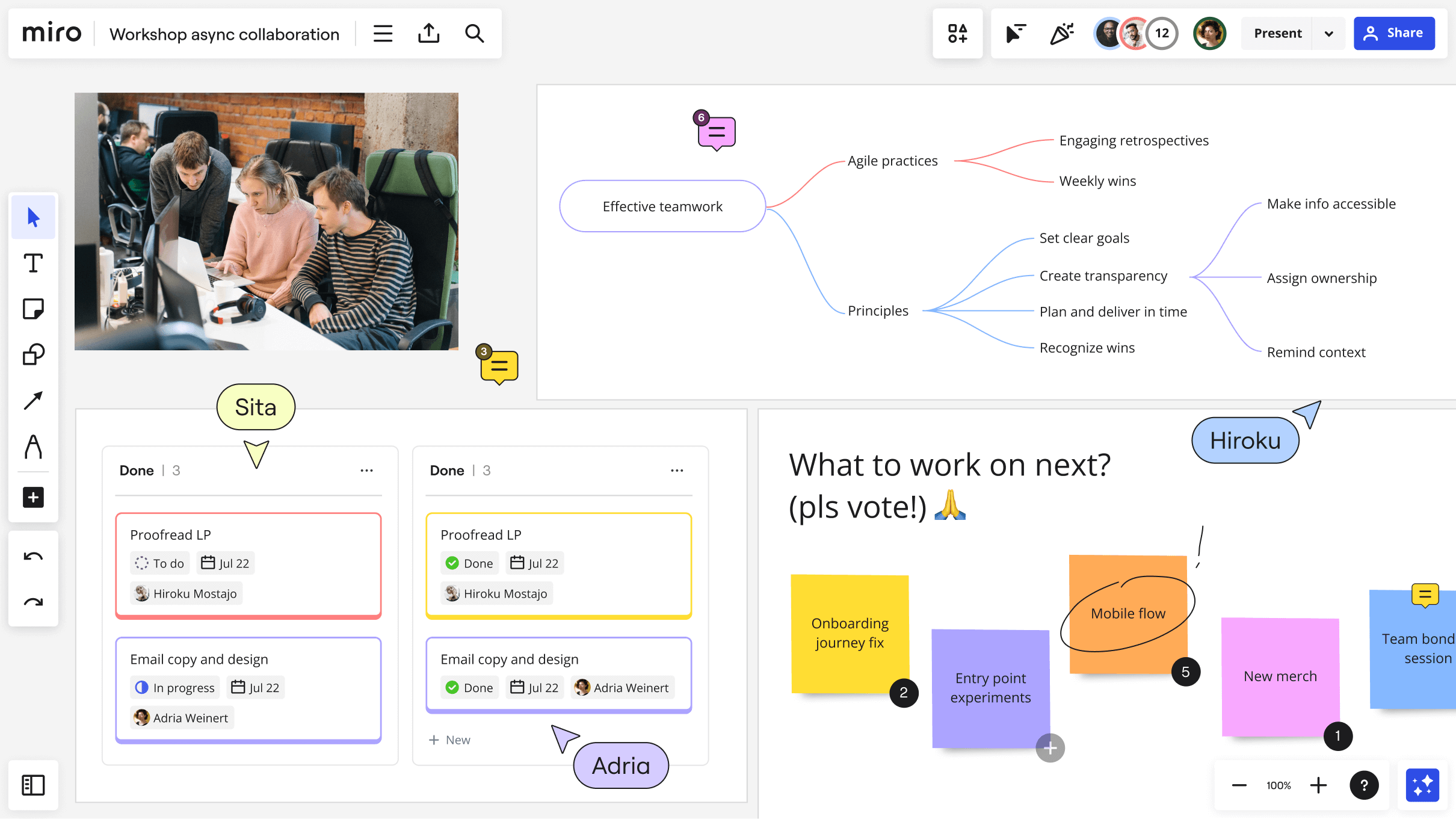
Unlock faster, more engaged and more productive feedback cycles for deep collaborative work. By bringing together slides, real-time data visualizations, action items, and diagrams, you’ll have everything you need to make good decisions, collected on a single board.
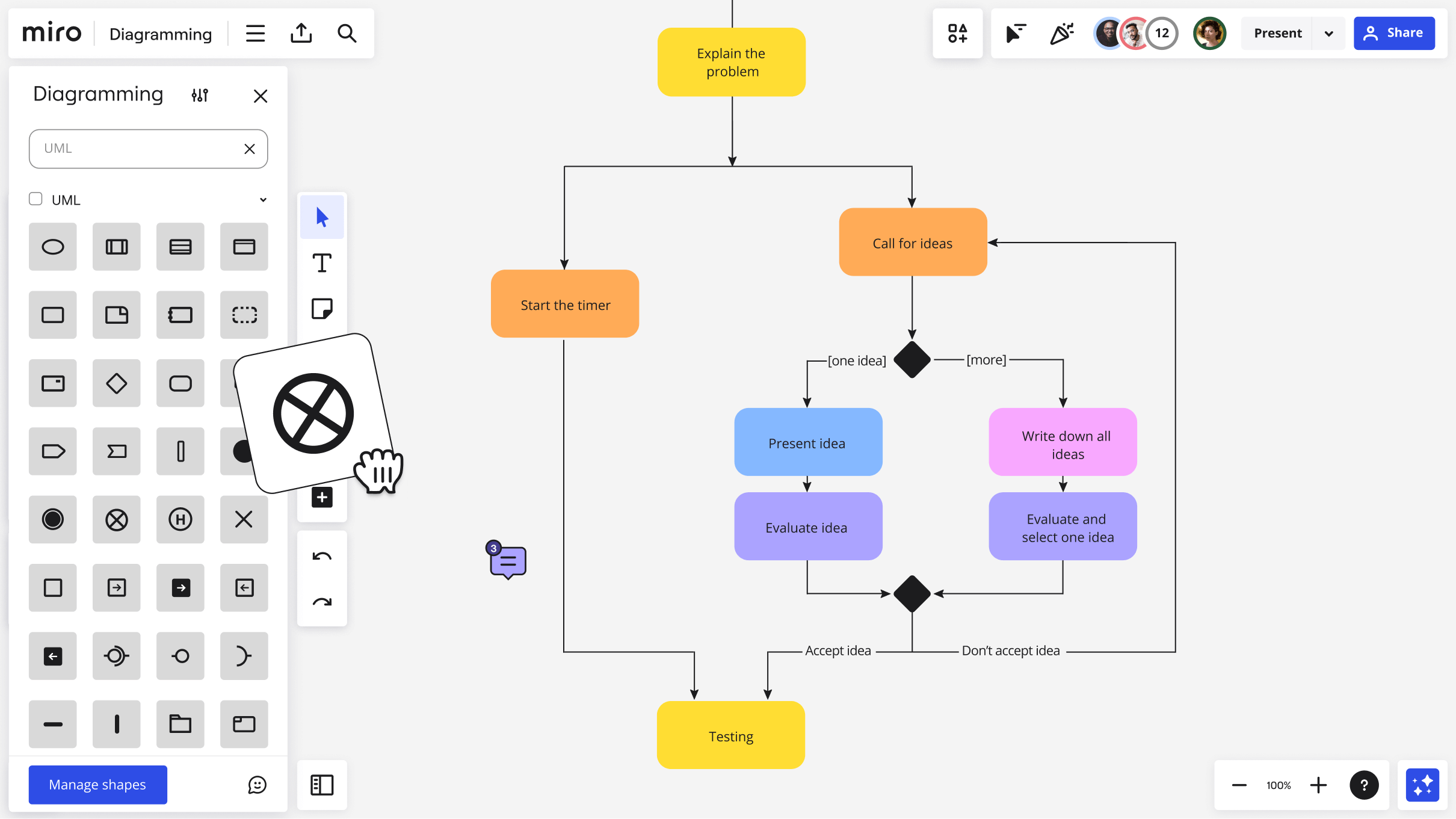
One user-friendly, intuitive workspace to visualize complex systems, ideas, and organizational structures, allowing teams to: get started faster, automate time-consuming tasks, and bring products and software to market more efficiently.
Miro Assist helps you to automate tedious tasks and expand your thinking when ideating and creating. Leveraging the latest models, Miro Assist speeds up work, so that teams can focus on analysis, driving alignment, and execution.
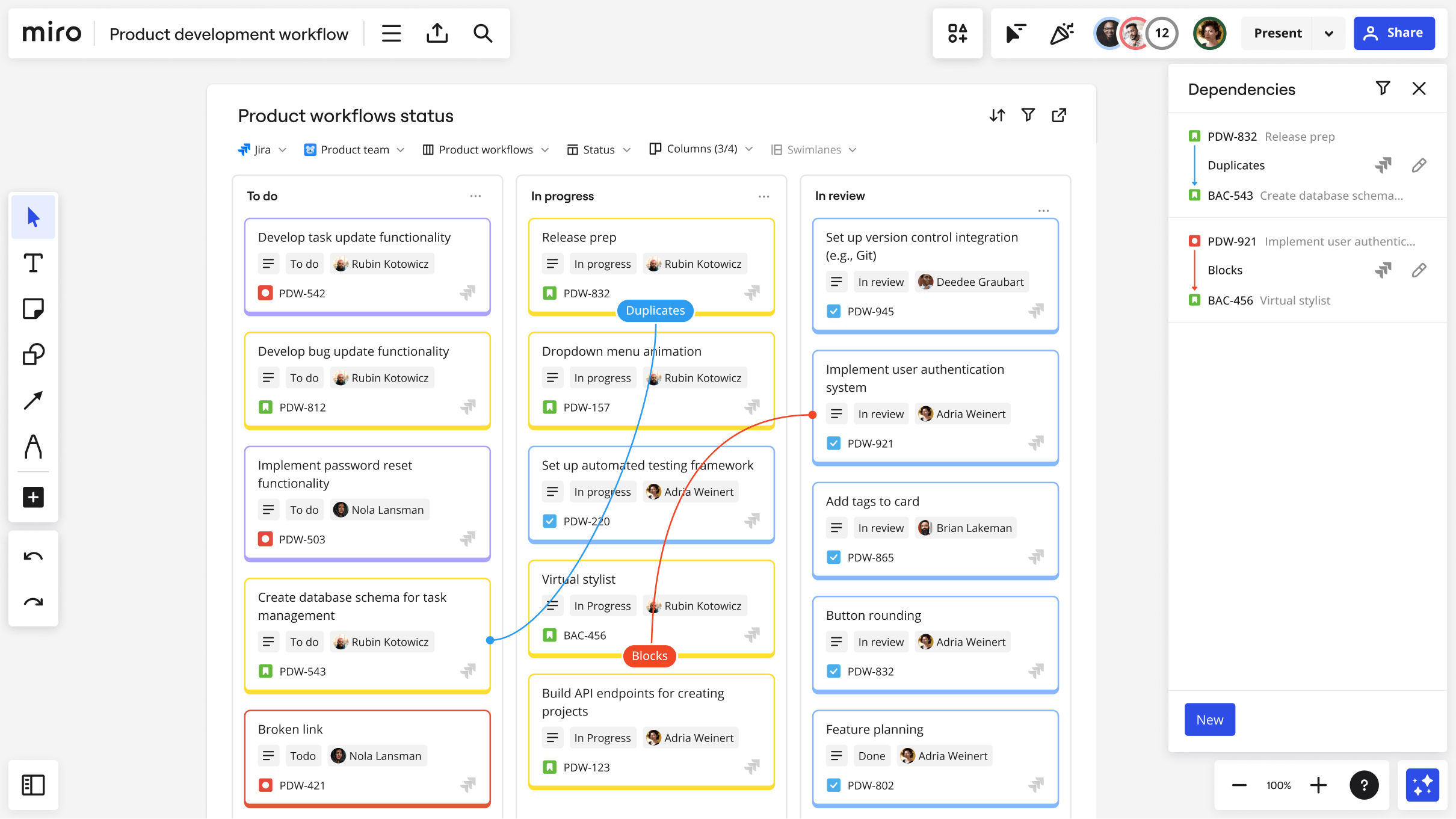
Speed up delivery and improve outcomes by visualizing complex projects at a glance. Understand relationships and dependencies between tasks using dynamic visual aids such as Miro Cards, Kanbans, and Flow Charts, as well as integrations with popular task management tools including Smartsheet, Monday.com, Asana, ClickUp, Jira, and Azure DevOps.
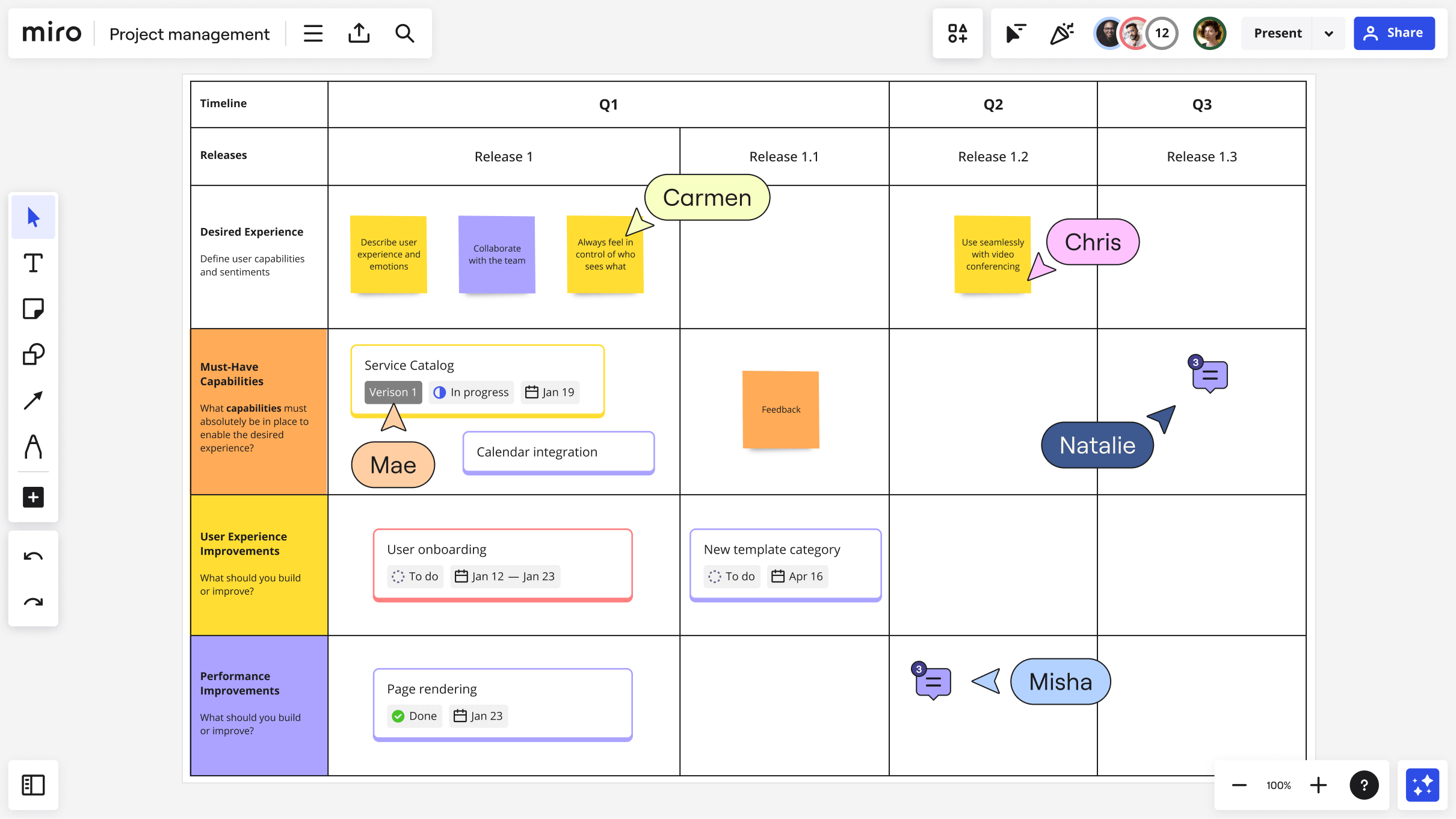
Miro’s built-in capabilities for lo-fi wireframing, estimations, dependency mapping, private retrospectives, and scaled product planning are complemented by a powerful two-way sync with Jira to manage end-to-end workflows in a visual and collaborative surface.
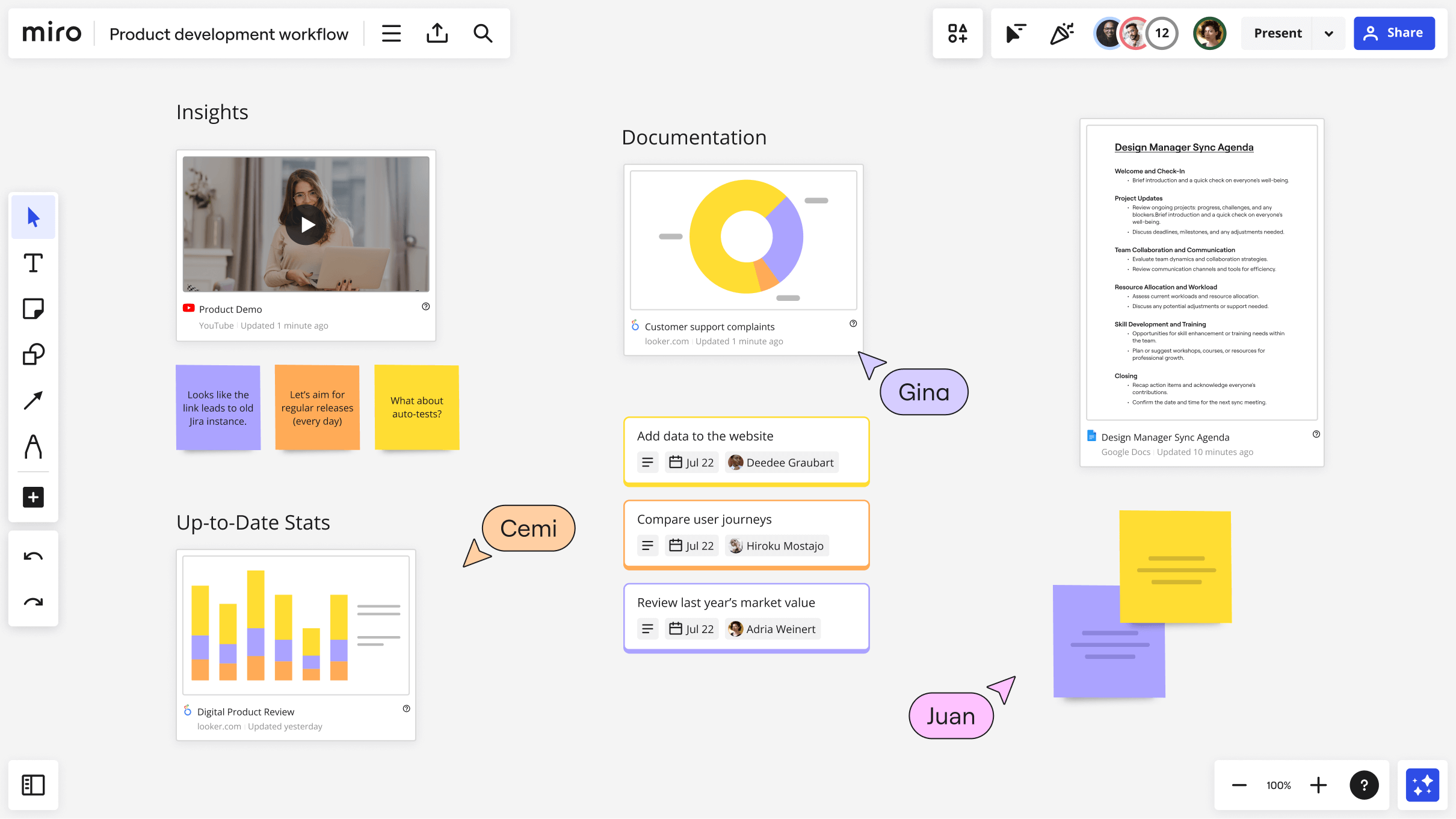
Visualize the big picture, share context, and make better decisions. From documentation to designs, survey results, videos, and live data, you can easily aggregate synced information from across your tech stack into a Miro board. All you need to do is to leverage our powerful integrations through Miro smart links.
Integrated with your favorite tools? Of course.
To make work more efficient, Miro connects dynamically with over 130 tools across your stack. Jira, Azure DevOps, Asana, Zoom, Teams, and Slack are just some of them.

Explore what others like you have created within Miroverse
Discover the proven workflows, projects, and frameworks of the Miro community — or share your own!

Join our 60M+ users today
Join thousands of teams collaborating and doing their best work on Miro.


Save time by getting your team on board right away
We recommend using your work email — it keeps work and life separate.